Turn requirements into a floor plan
A room list or project brief becomes a layout you can review with family, clients, or teammates.
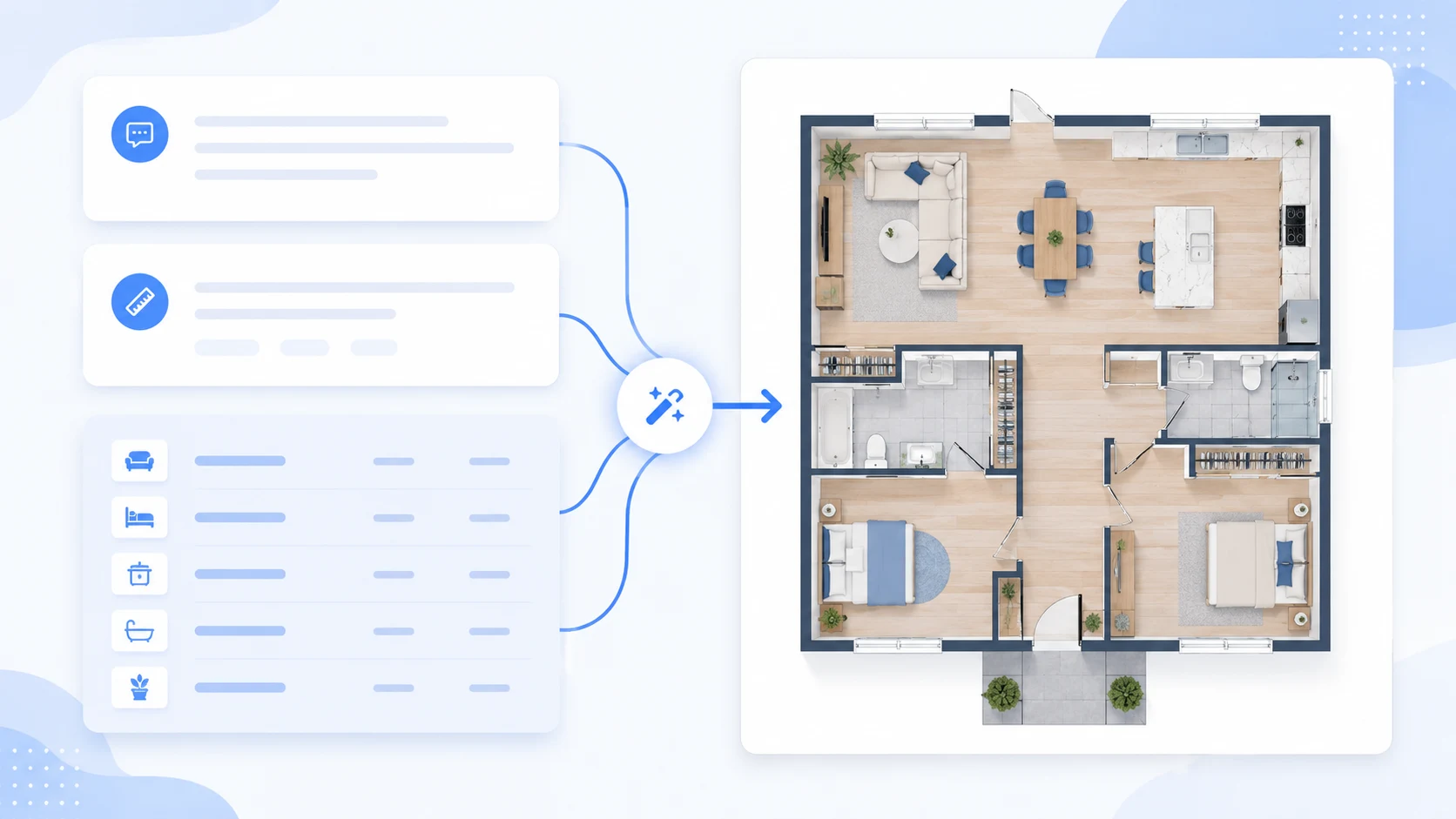
Create floor plans from text prompts, sketches, or images with AI. Choose a Technical 2D, 2.5D, or 3D-style output, then compare, refine, and download your results.
2 free generations · No credit card required
Start with a prompt, upload a sketch, or edit an existing plan, then generate a floor plan draft you can review and refine.
Describe a space, upload a sketch, or refine an existing plan into a clearer floor plan your family, client, or team can react to.
Start from text, an image, or a rough sketch.
Choose Technical 2D, 2.5D, or 3D-style output.
Refine the result when you want another direction.
Flow
Give the AI enough layout context to start from.
Pick the output style that makes the layout easiest to understand.
Make another pass or save the result you want to use.
Turn a brief or source image into a floor plan you can compare, explain, and take into the next design conversation.
A room list or project brief becomes a layout you can review with family, clients, or teammates.
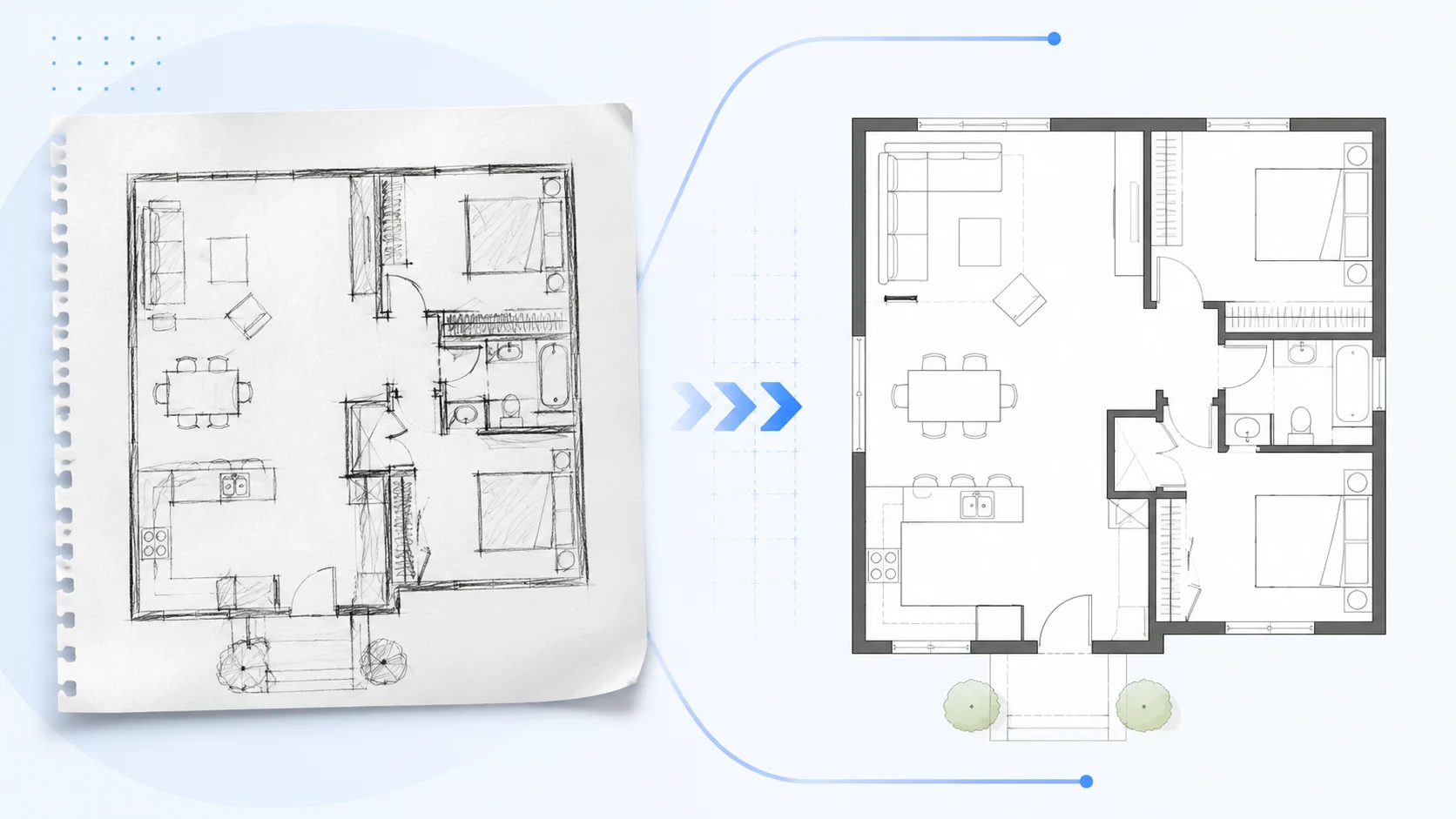
Upload an old plan, screenshot, or hand sketch to create a cleaner layout.
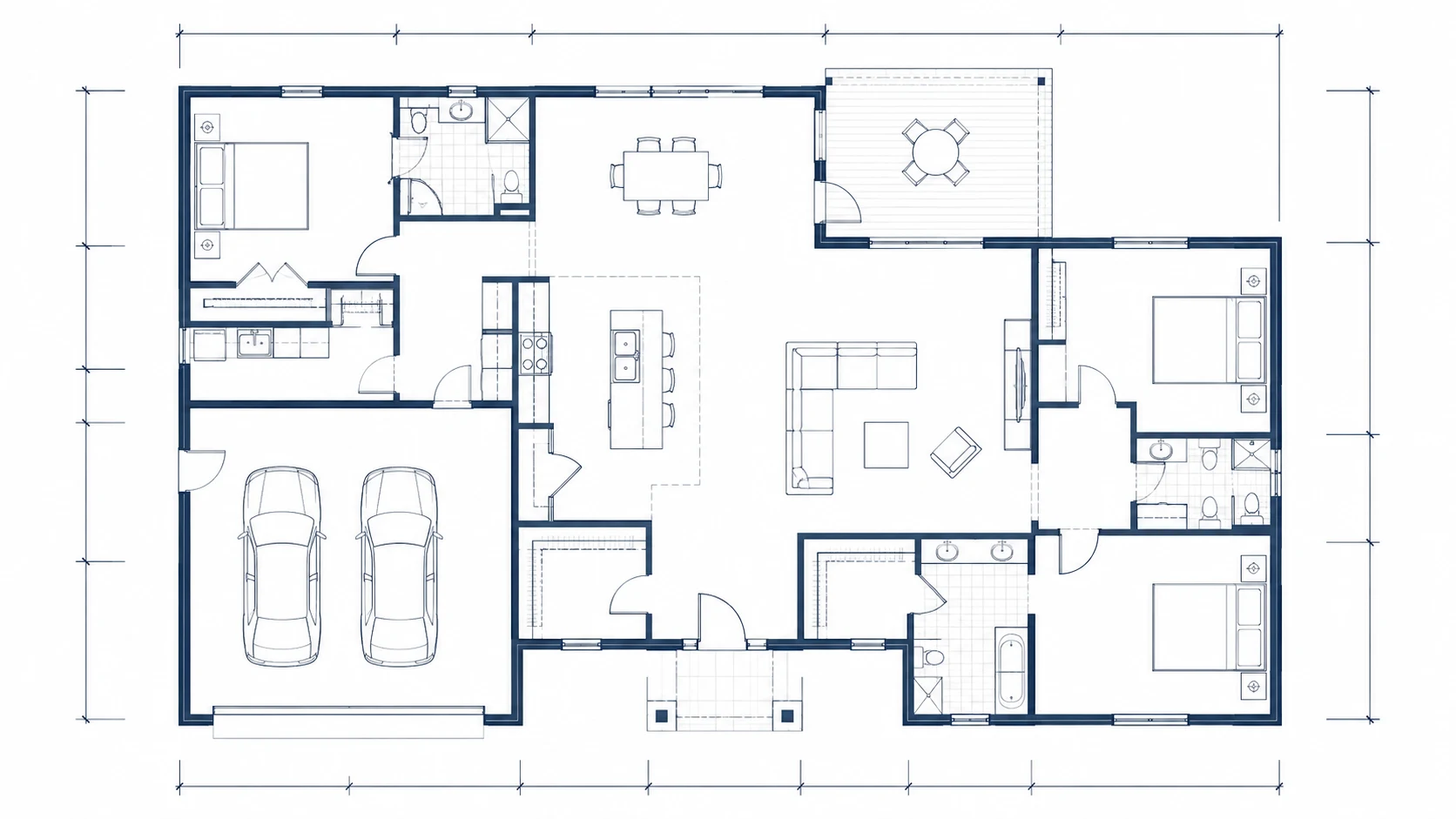
Use Technical 2D for structure, 2.5D for visual context, or 3D-style for spatial presentation.
Start with a simple brief, sketch, or image and turn it into a clearer floor plan you can compare and refine.
Prompt
Create a one-floor apartment with 3 bedrooms, 2 bathrooms, an open kitchen, a balcony, storage, and clear circulation between the living room and bedrooms.
Requested
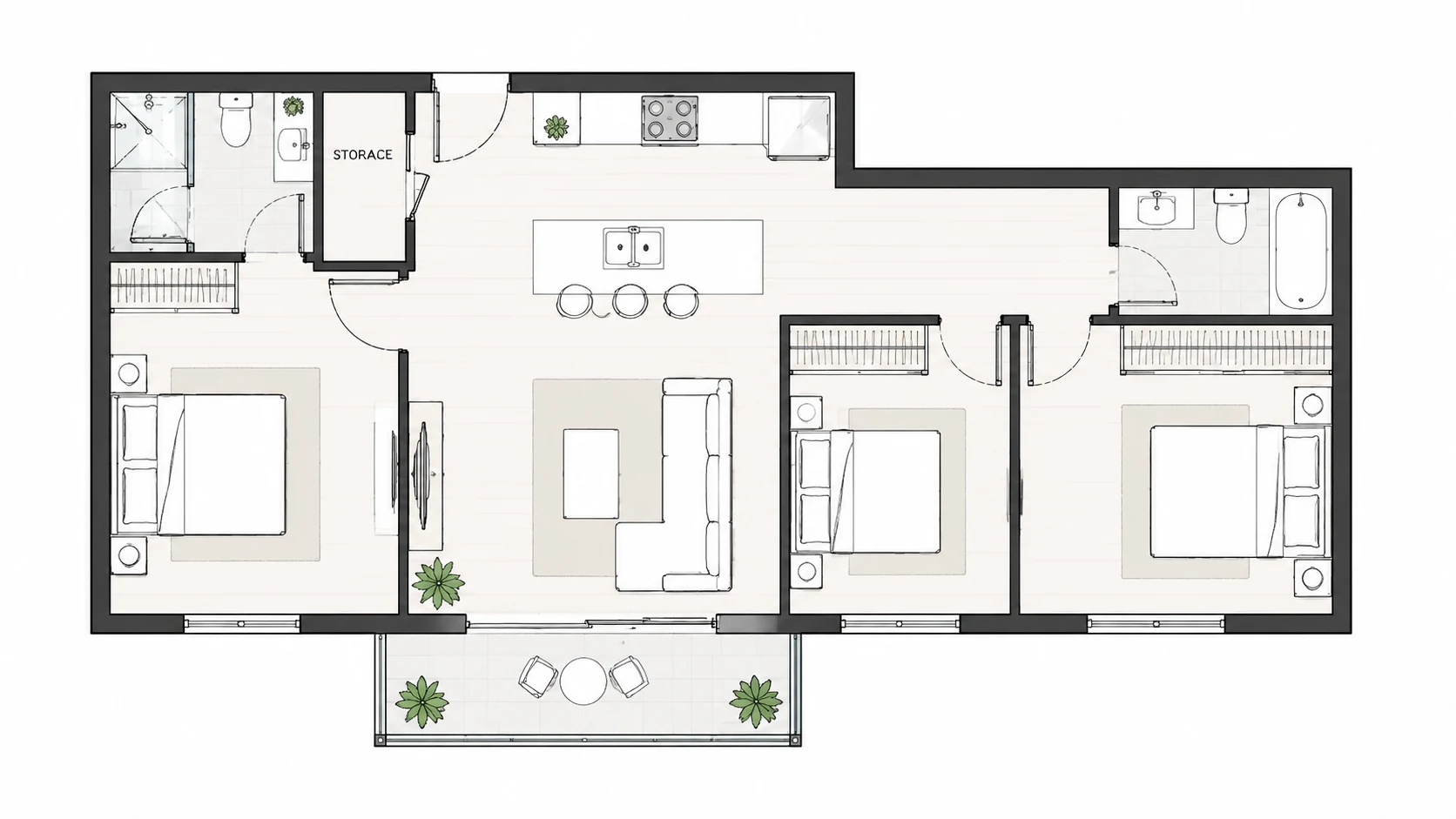
Same brief, generated separately
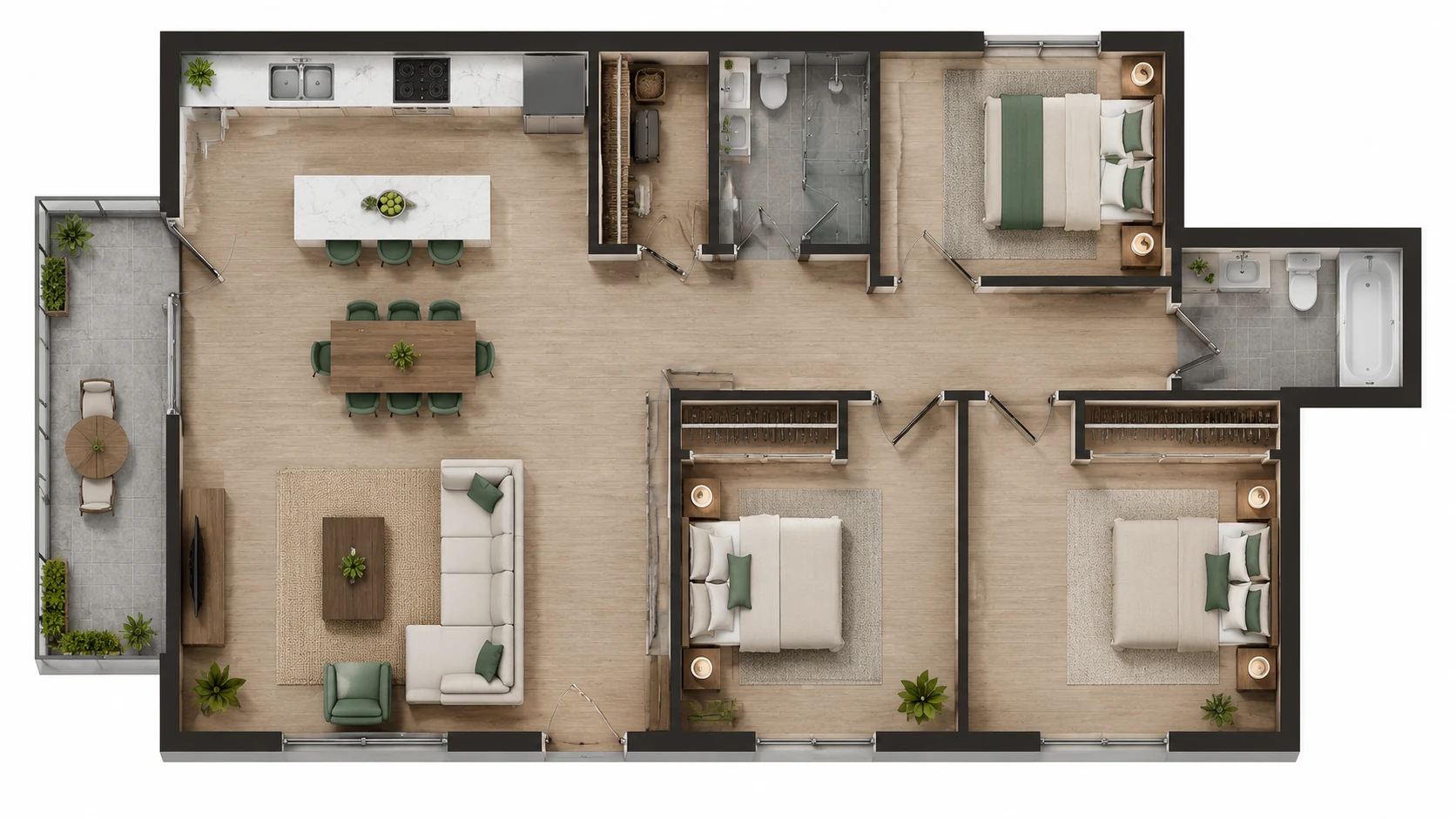
Same brief, generated separately
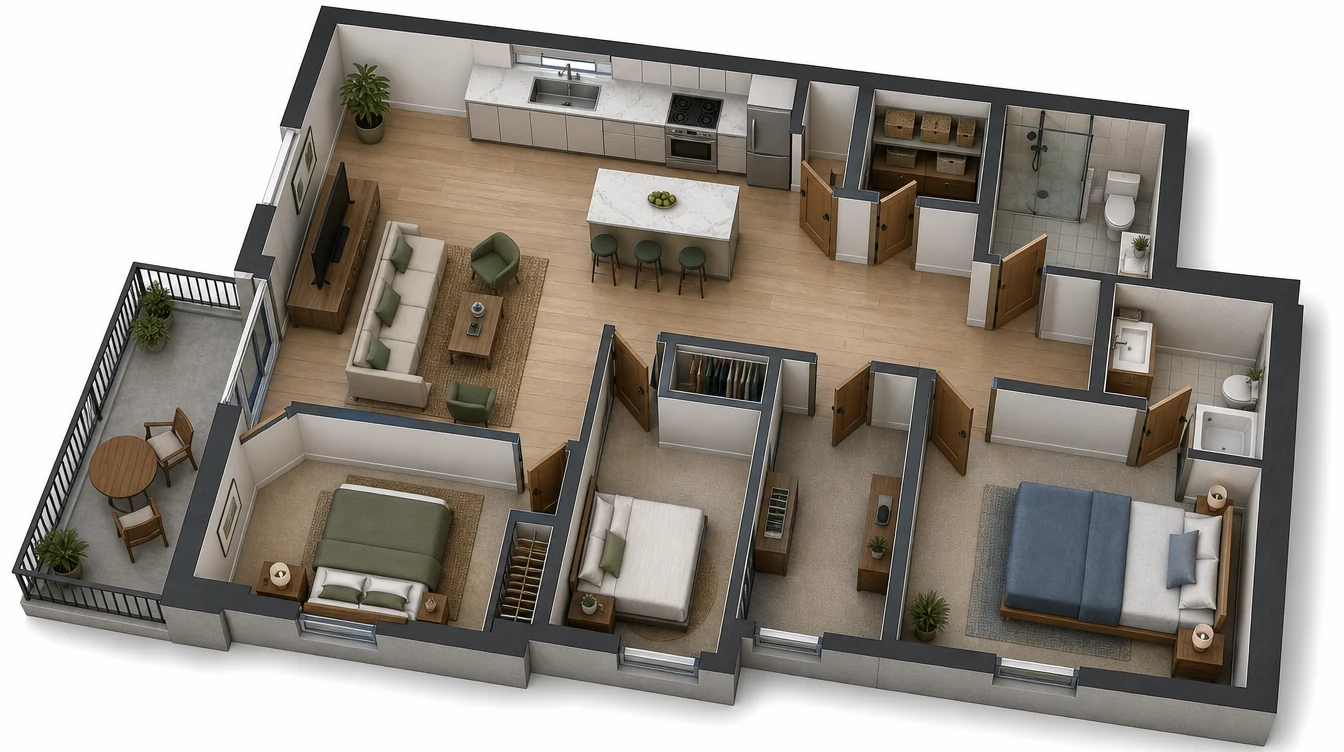
Same brief, generated separately
Pick the workflow that matches your starting point: written requirements, a source image, a simple 2D layout, or a project-specific floor plan.
Describe rooms, dimensions, circulation, and layout goals to generate a floor plan from text.
text to floor plan generatorUpload a sketch, screenshot, or existing plan image and turn it into a cleaner layout draft.
image to floor plan generatorCreate clear 2D floor plan drafts for early planning, review, and discussion.
2D floor plan makerGenerate home, apartment, small house, and renovation layout ideas.
house floor plan generatorPlan offices, restaurants, retail stores, clinics, studios, and warehouse layouts.
business floor plan generatorUpload an existing plan and describe what you want to change.
floor plan editor onlineThese are the questions that usually come up before someone tries BuildFloorPlan on a real space or project.
What is an AI floor plan generator?
An AI floor plan generator turns a text brief, image, or sketch into a floor plan you can compare, refine, and download.
Can I make a floor plan online with AI?
Yes. You can describe a space, upload a sketch, or start from an image, then generate a floor plan online in your chosen output style.
What is the difference between text to floor plan and image to floor plan?
Text to floor plan starts from written room requirements, while image to floor plan starts from a sketch, screenshot, or existing plan image.
Can I create a floor plan from text?
Yes. Describe the rooms, rough dimensions, layout goals, privacy needs, and circulation, then generate a floor plan from that prompt.
Can I generate a floor plan from an image or sketch?
Yes. You can upload a reference image, rough hand sketch, or existing layout and use it as the starting point for a cleaner floor plan.
Can I use BuildFloorPlan as a 2D floor plan maker?
Yes. BuildFloorPlan can create Technical 2D floor plans alongside more visual 2.5D and 3D-style outputs.
Can I generate house and apartment floor plans?
Yes. You can create layouts for houses, apartments, remodels, room planning, and renovation ideas.
Can I use it for business layouts like offices or restaurants?
Yes. BuildFloorPlan can generate layout ideas for offices, restaurants, warehouses, studios, retail spaces, clinics, and other commercial spaces.
Is BuildFloorPlan a replacement for professional CAD or construction drawings?
No. BuildFloorPlan is designed for floor plan generation, layout exploration, and early-stage design workflows. Final construction or permit drawings should still be reviewed and prepared by qualified professionals where required.
Is BuildFloorPlan free to try?
Yes. Create a free account and you will start with 2 free generations to test the workflow before you pay.
Open the generator, describe the space, and get to a stronger first layout before the conversation loses momentum.
Create a floor plan draft from your space requirements.